/* ==========================================================================
TABIFLOW MASCOT ANIMATIONS
Calm, subtle CSS animations for Tabi & Mochi
--------------------------------------------------------------------------
File: tabiflow-mascot-animations.css
Author: Tabiflow team
Created: May 2026 (for Day 12 mascot integration)
Philosophy: "Calm at all times" — animations are gentle and slow.
No flashy bouncing, no rapid motion, no demanding attention.
Mascots feel ALIVE without being annoying.
Usage:
1. Add this file to /Public/styles/ or include in styles.css
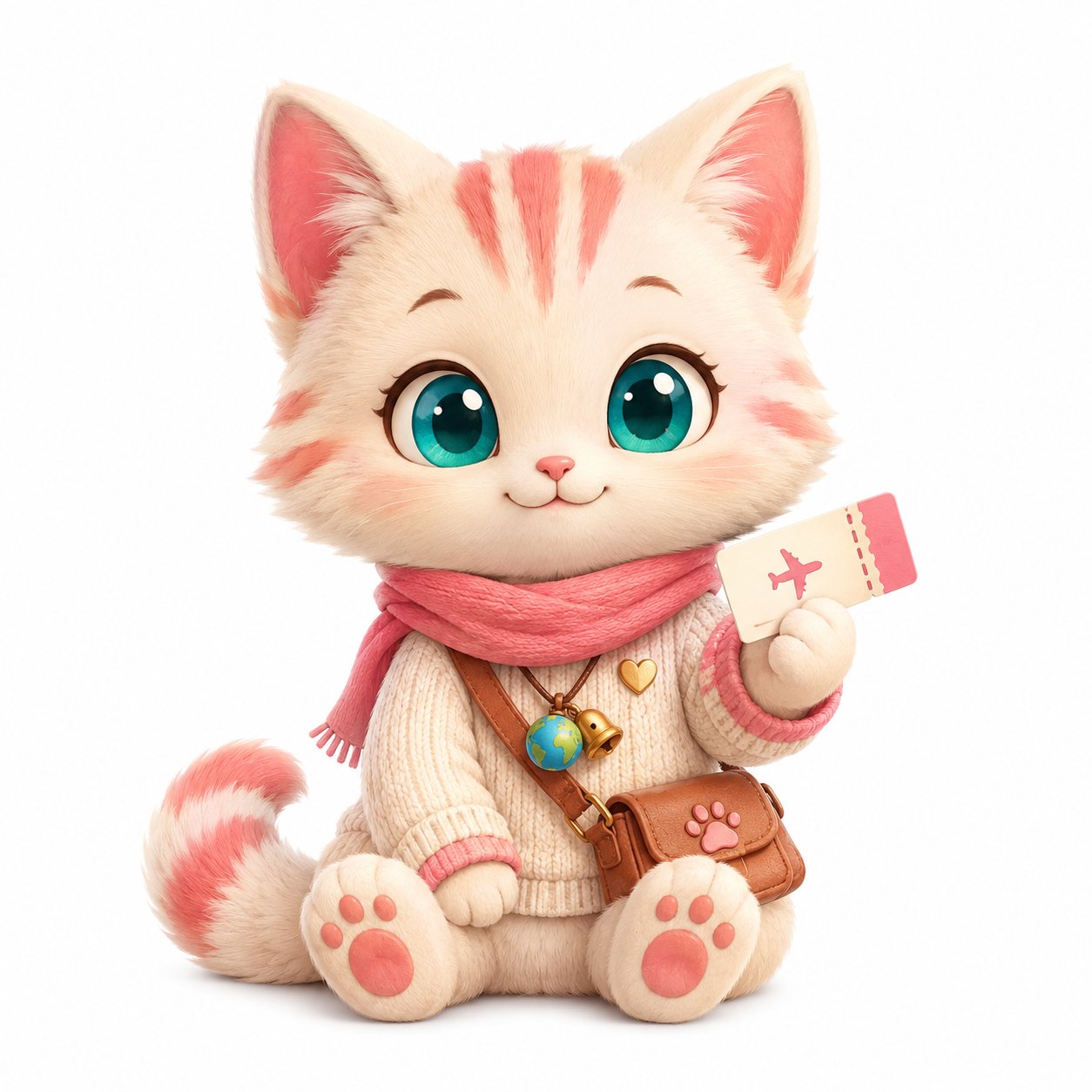
2. Apply classes to mascot ![]() elements
3. Animations auto-trigger when class is present
Example HTML:
elements
3. Animations auto-trigger when class is present
Example HTML:
 ========================================================================== */
/* ==========================================================================
BASE MASCOT CLASS
Apply to all mascot images for consistent baseline behavior.
========================================================================== */
.mascot {
display: inline-block;
user-select: none;
-webkit-user-drag: none;
pointer-events: auto;
transform-origin: center bottom; /* anchor to feet/base */
will-change: transform, opacity;
image-rendering: auto;
}
/* Respect users who prefer reduced motion. Accessibility first. */
@media (prefers-reduced-motion: reduce) {
.mascot,
.mascot * {
animation: none !important;
transition: none !important;
}
}
/* ==========================================================================
1. POP-IN ANIMATION
--------------------------------------------------------------------------
When: Mascot appears in a UI moment (e.g., paste validation, save success)
Effect: Soft fade + scale up
Duration: 280ms
Where to use: Status header when address validates, save success toast
========================================================================== */
.mascot-pop-in {
animation: mascot-pop-in 280ms cubic-bezier(0.25, 0.65, 0.4, 1.1) both;
}
@keyframes mascot-pop-in {
0% {
opacity: 0;
transform: scale(0.7) translateY(4px);
}
60% {
opacity: 1;
transform: scale(1.05) translateY(-1px); /* gentle overshoot */
}
100% {
opacity: 1;
transform: scale(1) translateY(0);
}
}
/* ==========================================================================
2. POP-OUT ANIMATION
--------------------------------------------------------------------------
When: Mascot leaves the screen calmly (e.g., user clears input)
Effect: Soft fade + scale down
Duration: 200ms (faster than pop-in — clean exit)
========================================================================== */
.mascot-pop-out {
animation: mascot-pop-out 200ms ease-in both;
}
@keyframes mascot-pop-out {
0% {
opacity: 1;
transform: scale(1);
}
100% {
opacity: 0;
transform: scale(0.85);
}
}
/* ==========================================================================
3. BREATHING (idle pulse)
--------------------------------------------------------------------------
When: Static mascot on screen (welcome, empty states)
Effect: Tiny scale pulse — makes static image feel alive
Duration: 3 seconds per cycle, infinite
How subtle: 2% scale change — barely perceptible but registers
========================================================================== */
.mascot-breathing {
animation: mascot-breathing 3s ease-in-out infinite;
}
@keyframes mascot-breathing {
0%, 100% {
transform: scale(1);
}
50% {
transform: scale(1.02);
}
}
/* ==========================================================================
4. WALK BOB (Tabi walking forward)
--------------------------------------------------------------------------
When: Loading state with Tabi walking
Effect: Up-down movement like Tabi is hopping/walking
Duration: 1.2s per cycle, infinite
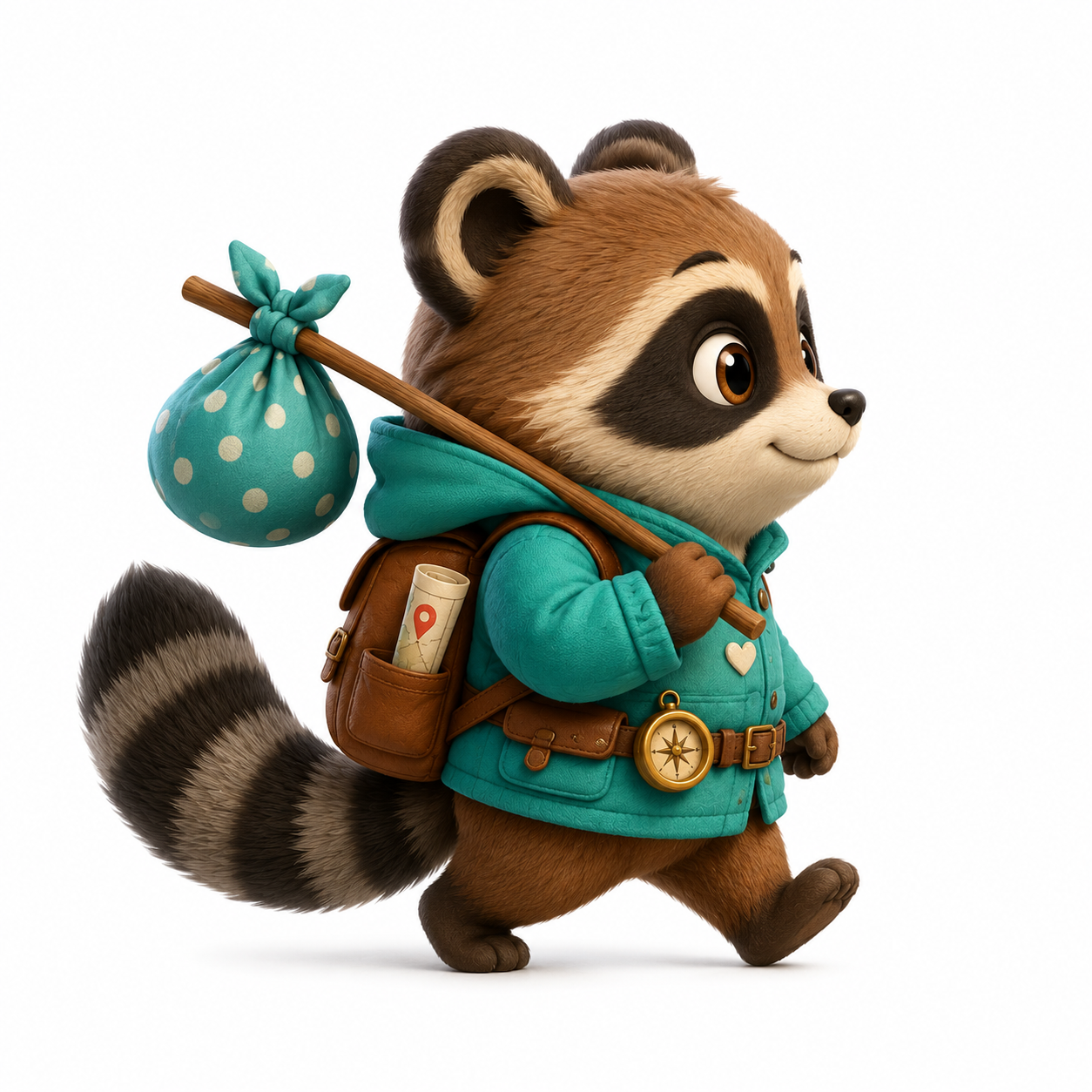
Best paired with: Tabi walking pose PNG
========================================================================== */
.mascot-walk-bob {
animation: mascot-walk-bob 1.2s ease-in-out infinite;
}
@keyframes mascot-walk-bob {
0%, 100% {
transform: translateY(0);
}
50% {
transform: translateY(-4px);
}
}
/* ==========================================================================
5. SLOW BLINK
--------------------------------------------------------------------------
When: Mochi sitting calmly on screen (welcome, empty states)
Effect: Mascot briefly fades to ~80% opacity (simulates eyes closing)
Duration: 5 seconds between blinks
--------------------------------------------------------------------------
NOTE: True blink would need a 2nd PNG with closed eyes.
This is a "good enough" version using opacity dip.
For real eye-blink, see Section 12 (Sprite Sheet) below.
========================================================================== */
.mascot-slow-blink {
animation: mascot-slow-blink 5s ease-in-out infinite;
}
@keyframes mascot-slow-blink {
0%, 92%, 100% {
opacity: 1;
filter: brightness(1);
}
95%, 97% {
opacity: 0.85;
filter: brightness(0.95);
}
}
/* ==========================================================================
6. TAIL FLICK (subtle tilt)
--------------------------------------------------------------------------
When: Mochi/Tabi sitting/standing with visible tail
Effect: Gentle horizontal sway suggesting tail movement
Duration: 4 seconds, infinite
Note: Best on whole-image — full tail-only animation needs SVG or sprite
========================================================================== */
.mascot-tail-flick {
animation: mascot-tail-flick 4s ease-in-out infinite;
transform-origin: 70% 80%; /* anchored near tail base */
}
@keyframes mascot-tail-flick {
0%, 100% {
transform: rotate(0deg);
}
50% {
transform: rotate(-1deg);
}
}
/* ==========================================================================
7. PEEK-IN (from edge of container)
--------------------------------------------------------------------------
When: Mascot appears from side (e.g., next to a button or card)
Effect: Slides in from the side with fade
Duration: 350ms
========================================================================== */
.mascot-peek-in-left {
animation: mascot-peek-in-left 350ms cubic-bezier(0.25, 0.65, 0.4, 1) both;
}
.mascot-peek-in-right {
animation: mascot-peek-in-right 350ms cubic-bezier(0.25, 0.65, 0.4, 1) both;
}
@keyframes mascot-peek-in-left {
0% {
opacity: 0;
transform: translateX(-20px) scale(0.8);
}
100% {
opacity: 1;
transform: translateX(0) scale(1);
}
}
@keyframes mascot-peek-in-right {
0% {
opacity: 0;
transform: translateX(20px) scale(0.8);
}
100% {
opacity: 1;
transform: translateX(0) scale(1);
}
}
/* ==========================================================================
8. NOD (success acknowledgment)
--------------------------------------------------------------------------
When: Save success — Mochi briefly nods to confirm
Effect: Quick downward tilt + return
Duration: 600ms total, plays once
Trigger: Add class on save event, remove after 600ms
========================================================================== */
.mascot-nod {
animation: mascot-nod 600ms ease-in-out;
}
@keyframes mascot-nod {
0%, 100% {
transform: rotate(0deg);
}
30% {
transform: rotate(8deg) translateY(2px);
}
60% {
transform: rotate(-2deg);
}
}
/* ==========================================================================
9. HEAD TILT (curious / question mode)
--------------------------------------------------------------------------
When: Tabi shows confusion (404 page, error states)
Effect: Slight head tilt to one side
Duration: 500ms tilt + holds, then returns after 2s
========================================================================== */
.mascot-head-tilt {
animation: mascot-head-tilt 2.5s ease-in-out;
}
@keyframes mascot-head-tilt {
0% {
transform: rotate(0deg);
}
20%, 80% {
transform: rotate(-6deg);
}
100% {
transform: rotate(0deg);
}
}
/* ==========================================================================
10. CALM FLOAT (idle hover effect)
--------------------------------------------------------------------------
When: Mascot in welcome scene or empty states
Effect: Very gentle floating motion (like hovering on a cloud)
Duration: 4 seconds, infinite
========================================================================== */
.mascot-float {
animation: mascot-float 4s ease-in-out infinite;
}
@keyframes mascot-float {
0%, 100% {
transform: translateY(0);
}
50% {
transform: translateY(-3px);
}
}
/* ==========================================================================
11. WAVE (welcome / hello moment)
--------------------------------------------------------------------------
When: Welcome screen, first interaction
Effect: Small horizontal sway like a wave gesture
Duration: 2.5s cycle, repeats 3 times then stops
--------------------------------------------------------------------------
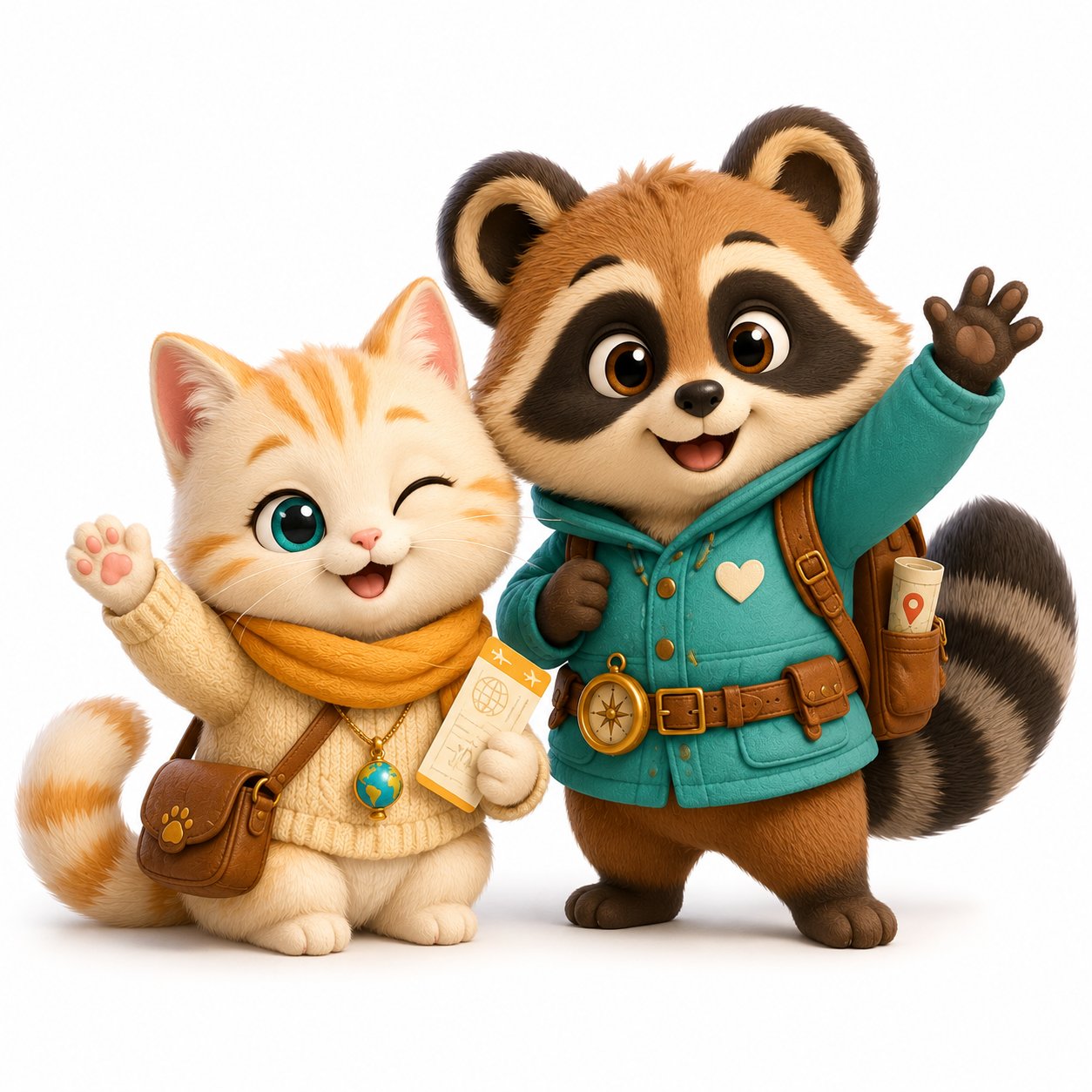
Note: Best on tabi-mochi-waving.png since pose already shows wave.
This adds subtle motion to reinforce the gesture.
========================================================================== */
.mascot-wave {
animation: mascot-wave 2.5s ease-in-out 3; /* runs 3 times, then stops */
}
@keyframes mascot-wave {
0%, 100% {
transform: rotate(0deg);
}
25% {
transform: rotate(-3deg);
}
75% {
transform: rotate(3deg);
}
}
/* ==========================================================================
12. SPRITE-BASED BLINK (advanced, optional)
--------------------------------------------------------------------------
When: You generate a 2nd PNG with closed eyes
Effect: Real eye-blink using two layered images
Setup required: Two PNGs at exact same size, exact same pose,
only eyes differ (open vs closed)
--------------------------------------------------------------------------
Example HTML:
========================================================================== */
.mascot-blink-wrapper {
position: relative;
display: inline-block;
}
.mascot-blink-wrapper .mascot-eyes-open,
.mascot-blink-wrapper .mascot-eyes-closed {
display: block;
}
.mascot-blink-wrapper .mascot-eyes-closed {
position: absolute;
top: 0;
left: 0;
opacity: 0;
animation: mascot-real-blink 5s steps(1, end) infinite;
}
@keyframes mascot-real-blink {
0%, 92%, 100% {
opacity: 0;
}
93%, 96% {
opacity: 1; /* closed eyes appear briefly */
}
}
/* ==========================================================================
13. PIN PULSE (map pin emphasis)
--------------------------------------------------------------------------
When: Stop is newly added or just saved
Effect: Single soft pulse to draw attention briefly
Duration: 1.5 seconds, plays once
--------------------------------------------------------------------------
Trigger: Add class for 1.5s after save event, then remove
========================================================================== */
.mascot-pin-pulse {
animation: mascot-pin-pulse 1.5s ease-out;
}
@keyframes mascot-pin-pulse {
0% {
transform: scale(1);
filter: drop-shadow(0 0 0 rgba(236, 94, 138, 0));
}
30% {
transform: scale(1.15);
filter: drop-shadow(0 0 12px rgba(236, 94, 138, 0.4));
}
100% {
transform: scale(1);
filter: drop-shadow(0 0 0 rgba(236, 94, 138, 0));
}
}
/* ==========================================================================
14. SLEEP (Z-Z-Z effect for empty states)
--------------------------------------------------------------------------
When: Empty Plan tab, both mascots sleeping
Effect: Very gentle scale pulse to suggest breathing while asleep
Duration: 4 seconds, infinite, very subtle
--------------------------------------------------------------------------
Tip: Pair with floating "Z" emoji elements for full sleep effect
========================================================================== */
.mascot-sleeping {
animation: mascot-sleeping 4s ease-in-out infinite;
}
@keyframes mascot-sleeping {
0%, 100% {
transform: scale(1);
}
50% {
transform: scale(1.015);
}
}
/* ==========================================================================
USAGE EXAMPLES (HTML snippets)
--------------------------------------------------------------------------
Copy and paste these directly into your code as needed.
========================================================================== */
/*
EXAMPLE 1: Welcome screen with floating wave
─────────────────────────────────────────────
========================================================================== */
/* ==========================================================================
BASE MASCOT CLASS
Apply to all mascot images for consistent baseline behavior.
========================================================================== */
.mascot {
display: inline-block;
user-select: none;
-webkit-user-drag: none;
pointer-events: auto;
transform-origin: center bottom; /* anchor to feet/base */
will-change: transform, opacity;
image-rendering: auto;
}
/* Respect users who prefer reduced motion. Accessibility first. */
@media (prefers-reduced-motion: reduce) {
.mascot,
.mascot * {
animation: none !important;
transition: none !important;
}
}
/* ==========================================================================
1. POP-IN ANIMATION
--------------------------------------------------------------------------
When: Mascot appears in a UI moment (e.g., paste validation, save success)
Effect: Soft fade + scale up
Duration: 280ms
Where to use: Status header when address validates, save success toast
========================================================================== */
.mascot-pop-in {
animation: mascot-pop-in 280ms cubic-bezier(0.25, 0.65, 0.4, 1.1) both;
}
@keyframes mascot-pop-in {
0% {
opacity: 0;
transform: scale(0.7) translateY(4px);
}
60% {
opacity: 1;
transform: scale(1.05) translateY(-1px); /* gentle overshoot */
}
100% {
opacity: 1;
transform: scale(1) translateY(0);
}
}
/* ==========================================================================
2. POP-OUT ANIMATION
--------------------------------------------------------------------------
When: Mascot leaves the screen calmly (e.g., user clears input)
Effect: Soft fade + scale down
Duration: 200ms (faster than pop-in — clean exit)
========================================================================== */
.mascot-pop-out {
animation: mascot-pop-out 200ms ease-in both;
}
@keyframes mascot-pop-out {
0% {
opacity: 1;
transform: scale(1);
}
100% {
opacity: 0;
transform: scale(0.85);
}
}
/* ==========================================================================
3. BREATHING (idle pulse)
--------------------------------------------------------------------------
When: Static mascot on screen (welcome, empty states)
Effect: Tiny scale pulse — makes static image feel alive
Duration: 3 seconds per cycle, infinite
How subtle: 2% scale change — barely perceptible but registers
========================================================================== */
.mascot-breathing {
animation: mascot-breathing 3s ease-in-out infinite;
}
@keyframes mascot-breathing {
0%, 100% {
transform: scale(1);
}
50% {
transform: scale(1.02);
}
}
/* ==========================================================================
4. WALK BOB (Tabi walking forward)
--------------------------------------------------------------------------
When: Loading state with Tabi walking
Effect: Up-down movement like Tabi is hopping/walking
Duration: 1.2s per cycle, infinite
Best paired with: Tabi walking pose PNG
========================================================================== */
.mascot-walk-bob {
animation: mascot-walk-bob 1.2s ease-in-out infinite;
}
@keyframes mascot-walk-bob {
0%, 100% {
transform: translateY(0);
}
50% {
transform: translateY(-4px);
}
}
/* ==========================================================================
5. SLOW BLINK
--------------------------------------------------------------------------
When: Mochi sitting calmly on screen (welcome, empty states)
Effect: Mascot briefly fades to ~80% opacity (simulates eyes closing)
Duration: 5 seconds between blinks
--------------------------------------------------------------------------
NOTE: True blink would need a 2nd PNG with closed eyes.
This is a "good enough" version using opacity dip.
For real eye-blink, see Section 12 (Sprite Sheet) below.
========================================================================== */
.mascot-slow-blink {
animation: mascot-slow-blink 5s ease-in-out infinite;
}
@keyframes mascot-slow-blink {
0%, 92%, 100% {
opacity: 1;
filter: brightness(1);
}
95%, 97% {
opacity: 0.85;
filter: brightness(0.95);
}
}
/* ==========================================================================
6. TAIL FLICK (subtle tilt)
--------------------------------------------------------------------------
When: Mochi/Tabi sitting/standing with visible tail
Effect: Gentle horizontal sway suggesting tail movement
Duration: 4 seconds, infinite
Note: Best on whole-image — full tail-only animation needs SVG or sprite
========================================================================== */
.mascot-tail-flick {
animation: mascot-tail-flick 4s ease-in-out infinite;
transform-origin: 70% 80%; /* anchored near tail base */
}
@keyframes mascot-tail-flick {
0%, 100% {
transform: rotate(0deg);
}
50% {
transform: rotate(-1deg);
}
}
/* ==========================================================================
7. PEEK-IN (from edge of container)
--------------------------------------------------------------------------
When: Mascot appears from side (e.g., next to a button or card)
Effect: Slides in from the side with fade
Duration: 350ms
========================================================================== */
.mascot-peek-in-left {
animation: mascot-peek-in-left 350ms cubic-bezier(0.25, 0.65, 0.4, 1) both;
}
.mascot-peek-in-right {
animation: mascot-peek-in-right 350ms cubic-bezier(0.25, 0.65, 0.4, 1) both;
}
@keyframes mascot-peek-in-left {
0% {
opacity: 0;
transform: translateX(-20px) scale(0.8);
}
100% {
opacity: 1;
transform: translateX(0) scale(1);
}
}
@keyframes mascot-peek-in-right {
0% {
opacity: 0;
transform: translateX(20px) scale(0.8);
}
100% {
opacity: 1;
transform: translateX(0) scale(1);
}
}
/* ==========================================================================
8. NOD (success acknowledgment)
--------------------------------------------------------------------------
When: Save success — Mochi briefly nods to confirm
Effect: Quick downward tilt + return
Duration: 600ms total, plays once
Trigger: Add class on save event, remove after 600ms
========================================================================== */
.mascot-nod {
animation: mascot-nod 600ms ease-in-out;
}
@keyframes mascot-nod {
0%, 100% {
transform: rotate(0deg);
}
30% {
transform: rotate(8deg) translateY(2px);
}
60% {
transform: rotate(-2deg);
}
}
/* ==========================================================================
9. HEAD TILT (curious / question mode)
--------------------------------------------------------------------------
When: Tabi shows confusion (404 page, error states)
Effect: Slight head tilt to one side
Duration: 500ms tilt + holds, then returns after 2s
========================================================================== */
.mascot-head-tilt {
animation: mascot-head-tilt 2.5s ease-in-out;
}
@keyframes mascot-head-tilt {
0% {
transform: rotate(0deg);
}
20%, 80% {
transform: rotate(-6deg);
}
100% {
transform: rotate(0deg);
}
}
/* ==========================================================================
10. CALM FLOAT (idle hover effect)
--------------------------------------------------------------------------
When: Mascot in welcome scene or empty states
Effect: Very gentle floating motion (like hovering on a cloud)
Duration: 4 seconds, infinite
========================================================================== */
.mascot-float {
animation: mascot-float 4s ease-in-out infinite;
}
@keyframes mascot-float {
0%, 100% {
transform: translateY(0);
}
50% {
transform: translateY(-3px);
}
}
/* ==========================================================================
11. WAVE (welcome / hello moment)
--------------------------------------------------------------------------
When: Welcome screen, first interaction
Effect: Small horizontal sway like a wave gesture
Duration: 2.5s cycle, repeats 3 times then stops
--------------------------------------------------------------------------
Note: Best on tabi-mochi-waving.png since pose already shows wave.
This adds subtle motion to reinforce the gesture.
========================================================================== */
.mascot-wave {
animation: mascot-wave 2.5s ease-in-out 3; /* runs 3 times, then stops */
}
@keyframes mascot-wave {
0%, 100% {
transform: rotate(0deg);
}
25% {
transform: rotate(-3deg);
}
75% {
transform: rotate(3deg);
}
}
/* ==========================================================================
12. SPRITE-BASED BLINK (advanced, optional)
--------------------------------------------------------------------------
When: You generate a 2nd PNG with closed eyes
Effect: Real eye-blink using two layered images
Setup required: Two PNGs at exact same size, exact same pose,
only eyes differ (open vs closed)
--------------------------------------------------------------------------
Example HTML:
========================================================================== */
.mascot-blink-wrapper {
position: relative;
display: inline-block;
}
.mascot-blink-wrapper .mascot-eyes-open,
.mascot-blink-wrapper .mascot-eyes-closed {
display: block;
}
.mascot-blink-wrapper .mascot-eyes-closed {
position: absolute;
top: 0;
left: 0;
opacity: 0;
animation: mascot-real-blink 5s steps(1, end) infinite;
}
@keyframes mascot-real-blink {
0%, 92%, 100% {
opacity: 0;
}
93%, 96% {
opacity: 1; /* closed eyes appear briefly */
}
}
/* ==========================================================================
13. PIN PULSE (map pin emphasis)
--------------------------------------------------------------------------
When: Stop is newly added or just saved
Effect: Single soft pulse to draw attention briefly
Duration: 1.5 seconds, plays once
--------------------------------------------------------------------------
Trigger: Add class for 1.5s after save event, then remove
========================================================================== */
.mascot-pin-pulse {
animation: mascot-pin-pulse 1.5s ease-out;
}
@keyframes mascot-pin-pulse {
0% {
transform: scale(1);
filter: drop-shadow(0 0 0 rgba(236, 94, 138, 0));
}
30% {
transform: scale(1.15);
filter: drop-shadow(0 0 12px rgba(236, 94, 138, 0.4));
}
100% {
transform: scale(1);
filter: drop-shadow(0 0 0 rgba(236, 94, 138, 0));
}
}
/* ==========================================================================
14. SLEEP (Z-Z-Z effect for empty states)
--------------------------------------------------------------------------
When: Empty Plan tab, both mascots sleeping
Effect: Very gentle scale pulse to suggest breathing while asleep
Duration: 4 seconds, infinite, very subtle
--------------------------------------------------------------------------
Tip: Pair with floating "Z" emoji elements for full sleep effect
========================================================================== */
.mascot-sleeping {
animation: mascot-sleeping 4s ease-in-out infinite;
}
@keyframes mascot-sleeping {
0%, 100% {
transform: scale(1);
}
50% {
transform: scale(1.015);
}
}
/* ==========================================================================
USAGE EXAMPLES (HTML snippets)
--------------------------------------------------------------------------
Copy and paste these directly into your code as needed.
========================================================================== */
/*
EXAMPLE 1: Welcome screen with floating wave
─────────────────────────────────────────────
 EXAMPLE 2: Empty Plan tab — Mochi waiting
─────────────────────────────────────────────
EXAMPLE 3: Loading state — Tabi walking
─────────────────────────────────────────────
EXAMPLE 2: Empty Plan tab — Mochi waiting
─────────────────────────────────────────────
EXAMPLE 3: Loading state — Tabi walking
─────────────────────────────────────────────
 EXAMPLE 4: Popup paste validation — Mochi pops in
─────────────────────────────────────────────
mochiElement.classList.add('mascot-pop-in');
EXAMPLE 5: Save success nod
─────────────────────────────────────────────
// JS triggers nod for 600ms, then removes class
mochiElement.classList.add('mascot-nod');
setTimeout(() => {
mochiElement.classList.remove('mascot-nod');
}, 600);
EXAMPLE 6: Map pin pulse on new stop save
─────────────────────────────────────────────
// After saving a stop, briefly pulse the pin
pinElement.classList.add('mascot-pin-pulse');
setTimeout(() => {
pinElement.classList.remove('mascot-pin-pulse');
}, 1500);
EXAMPLE 7: 404 page — Tabi tilts head
─────────────────────────────────────────────
EXAMPLE 4: Popup paste validation — Mochi pops in
─────────────────────────────────────────────
mochiElement.classList.add('mascot-pop-in');
EXAMPLE 5: Save success nod
─────────────────────────────────────────────
// JS triggers nod for 600ms, then removes class
mochiElement.classList.add('mascot-nod');
setTimeout(() => {
mochiElement.classList.remove('mascot-nod');
}, 600);
EXAMPLE 6: Map pin pulse on new stop save
─────────────────────────────────────────────
// After saving a stop, briefly pulse the pin
pinElement.classList.add('mascot-pin-pulse');
setTimeout(() => {
pinElement.classList.remove('mascot-pin-pulse');
}, 1500);
EXAMPLE 7: 404 page — Tabi tilts head
─────────────────────────────────────────────
 EXAMPLE 8: Combine multiple animations (breathing + tail flick)
─────────────────────────────────────────────
Note: Multiple animations can run simultaneously. Just add
multiple classes. CSS combines them automatically.
*/
/* ==========================================================================
PERFORMANCE NOTES
--------------------------------------------------------------------------
- All animations use transform + opacity (GPU-accelerated)
- No layout-shifting properties (avoids jank)
- will-change set on .mascot for smooth motion
- prefers-reduced-motion respected for accessibility
- Animations stop when element is offscreen (browser optimization)
If performance issues arise on low-end devices:
- Remove .mascot-breathing from non-critical mascots
- Limit .mascot-walk-bob to 1 instance per page
- Use .mascot class without modifiers on map pins (lots of pins)
========================================================================== */
/* ==========================================================================
FUTURE EXPANSIONS (DO NOT BUILD UNTIL POST-LAUNCH)
--------------------------------------------------------------------------
v2.5 ideas to add later:
- Seasonal animations (cherry blossom petals falling around Mochi)
- Day/night cycle (mascots tinted blue at night, golden in morning)
- Day-color-aware animations (Mochi pulses with stop's day color)
- Trip-completion celebration (mascots wave + small confetti)
- Pin Quest game animations (Tabi places pins one-by-one)
These are POST-LAUNCH. Don't add complexity to v2 launch.
========================================================================== */
/* ==========================================================================
END OF FILE
========================================================================== */
EXAMPLE 8: Combine multiple animations (breathing + tail flick)
─────────────────────────────────────────────
Note: Multiple animations can run simultaneously. Just add
multiple classes. CSS combines them automatically.
*/
/* ==========================================================================
PERFORMANCE NOTES
--------------------------------------------------------------------------
- All animations use transform + opacity (GPU-accelerated)
- No layout-shifting properties (avoids jank)
- will-change set on .mascot for smooth motion
- prefers-reduced-motion respected for accessibility
- Animations stop when element is offscreen (browser optimization)
If performance issues arise on low-end devices:
- Remove .mascot-breathing from non-critical mascots
- Limit .mascot-walk-bob to 1 instance per page
- Use .mascot class without modifiers on map pins (lots of pins)
========================================================================== */
/* ==========================================================================
FUTURE EXPANSIONS (DO NOT BUILD UNTIL POST-LAUNCH)
--------------------------------------------------------------------------
v2.5 ideas to add later:
- Seasonal animations (cherry blossom petals falling around Mochi)
- Day/night cycle (mascots tinted blue at night, golden in morning)
- Day-color-aware animations (Mochi pulses with stop's day color)
- Trip-completion celebration (mascots wave + small confetti)
- Pin Quest game animations (Tabi places pins one-by-one)
These are POST-LAUNCH. Don't add complexity to v2 launch.
========================================================================== */
/* ==========================================================================
END OF FILE
========================================================================== */

